WOW! Congrats! You Made It!

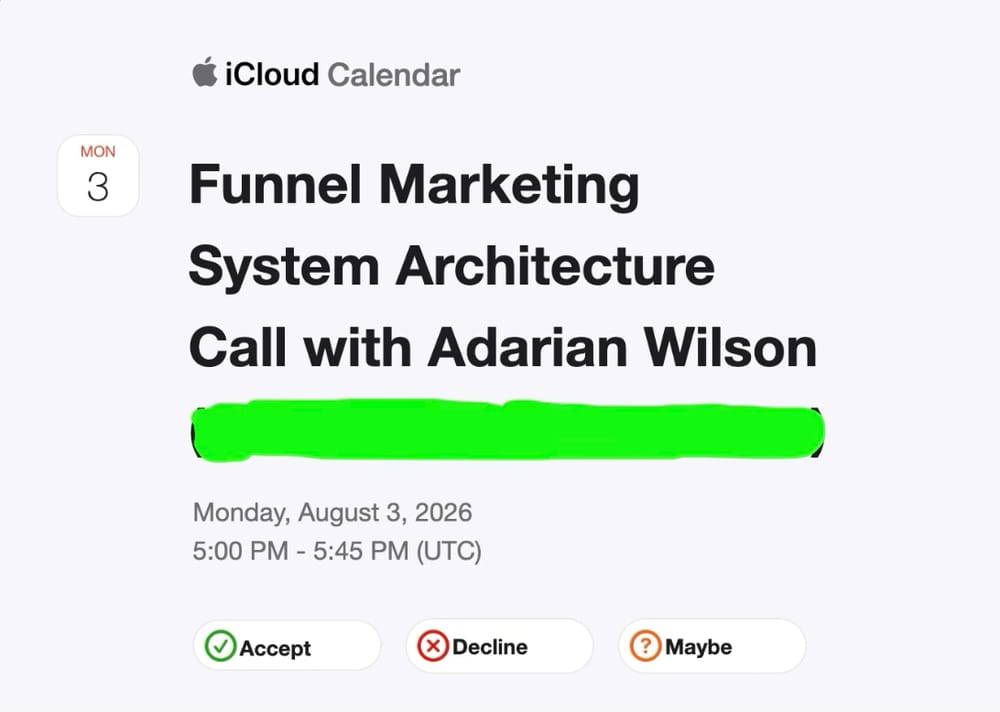
Step #1: Check Your Email
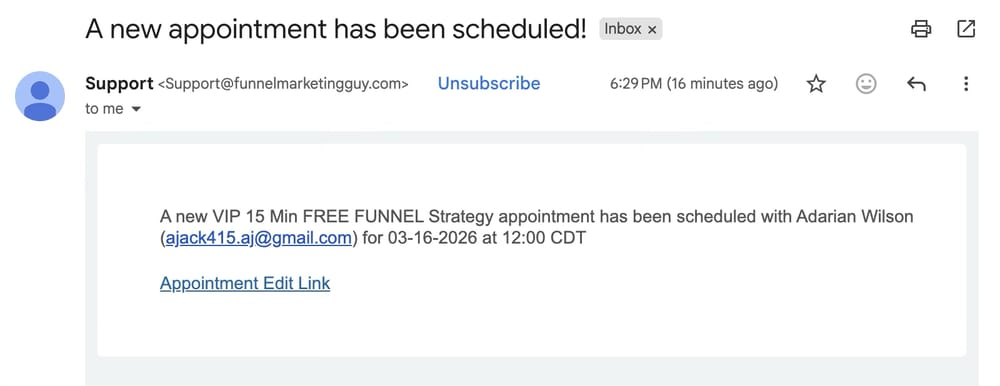
Make sure that you received your confirmation email. This will be the easiest way to confirm that you have started your Funnel Marketing Journey with us.
If you have any problems or concerns email us at: Support@funnelmarketingguy.com
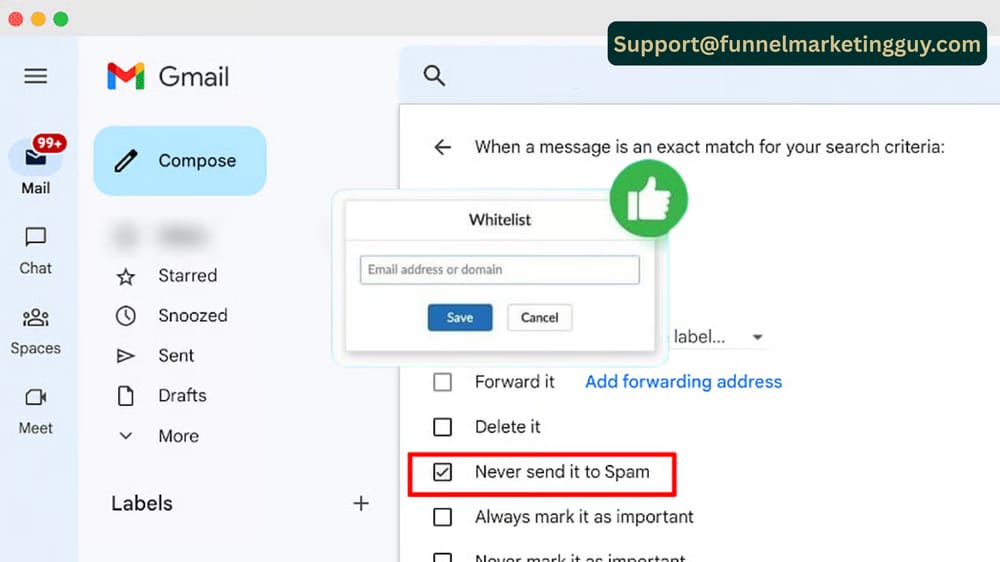
Step #2: Add Us to your Whitelist
Whitelisting ensures trusted emails bypass spam filters and land directly in your inbox. As spam protection becomes more aggressive, legitimate messages can be misdirected. By marking specific addresses or domains as safe, you ensure important emails—like work updates or subscribed newsletters—are delivered without interruption.
Most platforms, including Gmail, Outlook, and Yahoo, offer simple whitelist settings. Regularly updating your safe senders list helps prevent missed deadlines, lost opportunities, and inbox clutter. When used alongside spam filters, whitelisting keeps your email organized, secure, and reliable.
Step #3: Prepare For Your Appointment
PLEASE Have all documents pertaining to your website, logos, colors uploaded before youre appointment. If you have't uploaded them yet, you can upload them by clicking the link below. Once you click on the link, it will open a new window where you can upload these docuemtns. This is VITAL to being able to set up your opt-in page.

Step #4: Congratulate Yourself
Lastly, I want to congratulate you for taking a step forward! It might have been easy and it might have been scary. Either way if you got to this page, you took a step forward. So congratulate yourself for taking action over waiting another year on hopes and dreams.
I am excited for you and excited to show you your personal if I got hit by a bus plan. It will be an invalubale zoom meeting that will give you everything you need to start implementing your opt-in page!

Funnel Marketing Guy LLC - © 2026 All Rights Reserved | P.O. Box 20092 Hot Springs, AR
Terms - Customer Support - Privacy - Refund Policy - Cancellation Policy
How it Works - Legal & Usage - Promotions & Trials